

Browser-Based
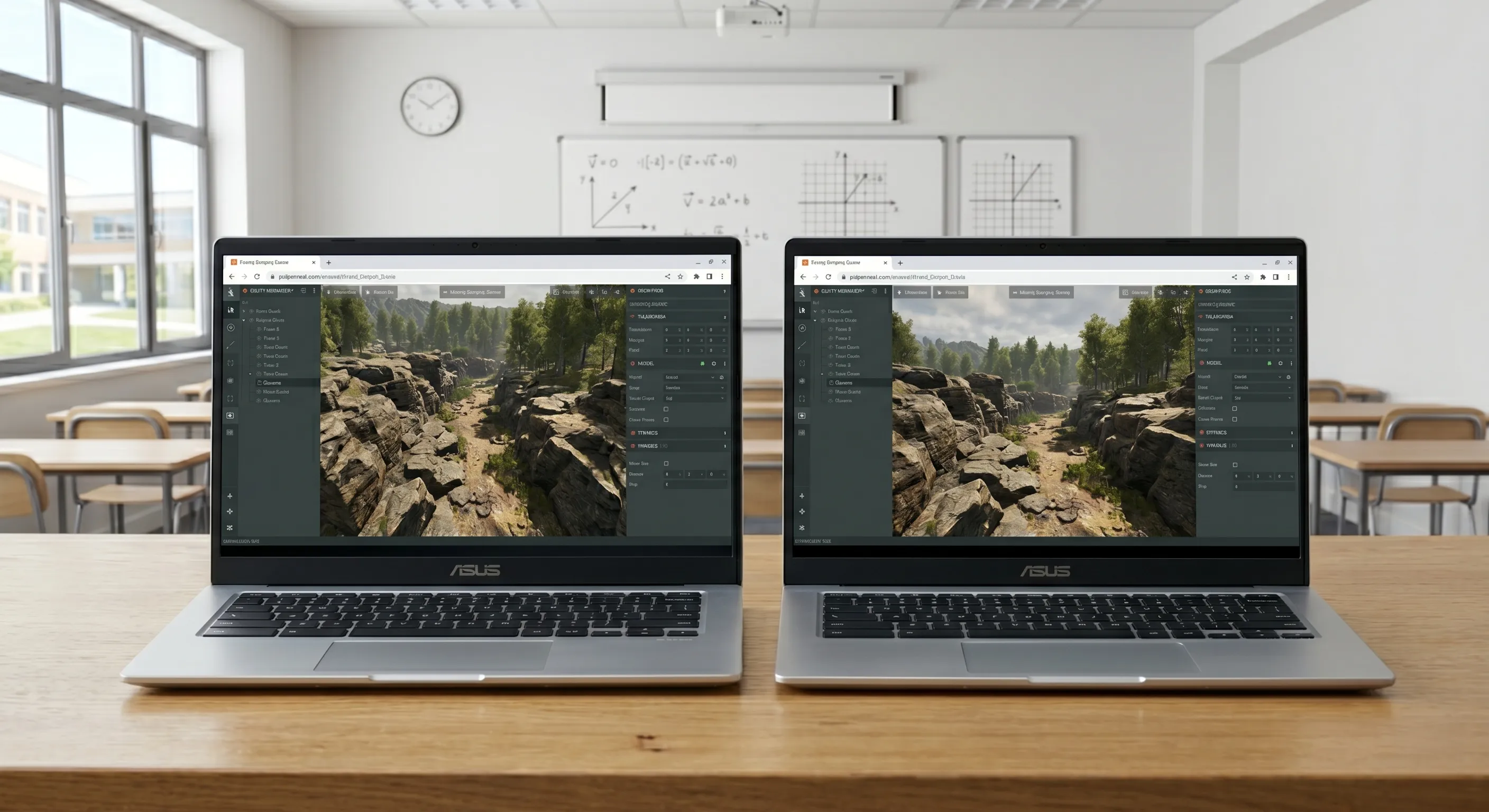
Runs in any browser with zero installs. Works on Chromebooks, tablets, school PCs and personal laptops.

Real-Time Collaboration
Students and teachers collaborate Google Docs-style in the visual Editor. Share projects instantly with a link.

Open Source & Free
The entire platform is MIT-licensed and free to use. No licenses to manage, no budgets required.

JavaScript & Web Standards
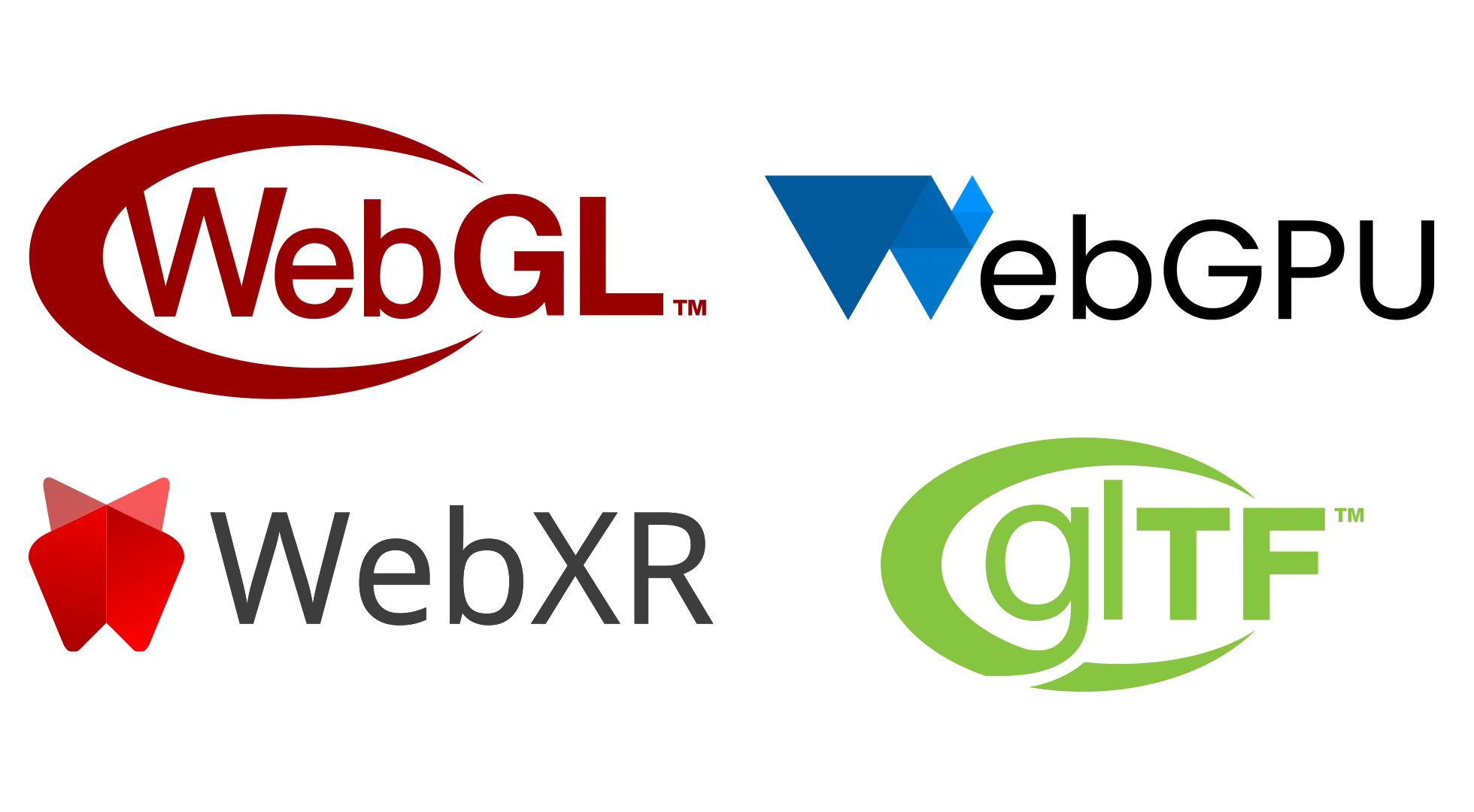
Teaches the world's most popular programming language alongside real web standards like WebGL, WebGPU and HTML5.
Zero Setup, Maximum Reach
PlayCanvas runs entirely in the browser. Students open a link and start creating immediately — no downloads, no installs, no IT tickets.
- Works on Chromebooks, tablets, lab PCs and personal laptops
- No software licenses to purchase or manage
- Students can continue projects at home on any device
- Always up to date — no version conflicts across a classroom
Learn Together in Real Time
The PlayCanvas Editor supports Google Docs-style real-time collaboration. Teachers and students work in the same project simultaneously — perfect for demos, code reviews and group assignments.
- Multiple users edit the same scene at the same time
- Visual, drag-and-drop editor lowers the barrier for beginners
- Share any project instantly with a link
- One-click publishing lets students showcase their work on the web
Real-World Skills
PlayCanvas teaches skills that transfer directly to the professional world. Students write real JavaScript — the world's most popular programming language — and work with open web standards used across the industry.
- JavaScript / TypeScript — the language of the web
- WebGL and WebGPU — the future of browser graphics
- glTF 2.0 — the industry standard 3D format
- Open source under the MIT license — free forever
Get started for free
Free access to the full power of the PlayCanvas Engine, unlimited public projects and free hosting
Unlimited Public Projects
1GB Storage
Free App Hosting